
Email Extractor Guide 2026: Tools, Pricing, and Key Features
Ever spent hours copying email addresses one by one from websites, LinkedIn, or company directories? If you nodded yes, you’re not alone. Finding the right email address especially accurate business email address and work email address can feel like searching for a needle in a haystack. That’s where an email extractor comes in.
Email extractors are software programs that will find and automatically download email addresses from a wide variety of sources, such as social media accounts, company directories, and email lists. They enable you to build relationships with your new connections and receive more responses to your outreach efforts. This article explains how email extractor programs work and provides a list of some popular options.
Quick Tools Comparison Table
Here is the side-by-side comparison of the top 5 email extractor tools
| Tool | Best For | Free Tier | Key Feature |
| Jarvis Reach | All-in-one lead extractor | Yes | LinkedIn & web extraction |
| Hunter.io | Domain email search | Yes | Confidence scoring |
| Snov.io | Bulk & automated outreach | Yes | CRM and automations |
| UpLead | B2B verified emails | Yes | High accuracy |
| Skrapp.io | LinkedIn based lookup | Yes | Chrome extension |
| Clearout.io | Validation + extraction | Yes | Bulk verification |
Top Email Extractor Tools
Below are some of the best email extractor tools available today. Each one helps you find email addresses faster whether you need a free email extractor, a gmail extractor, or a robust business tool.
1. Jarvis Reach
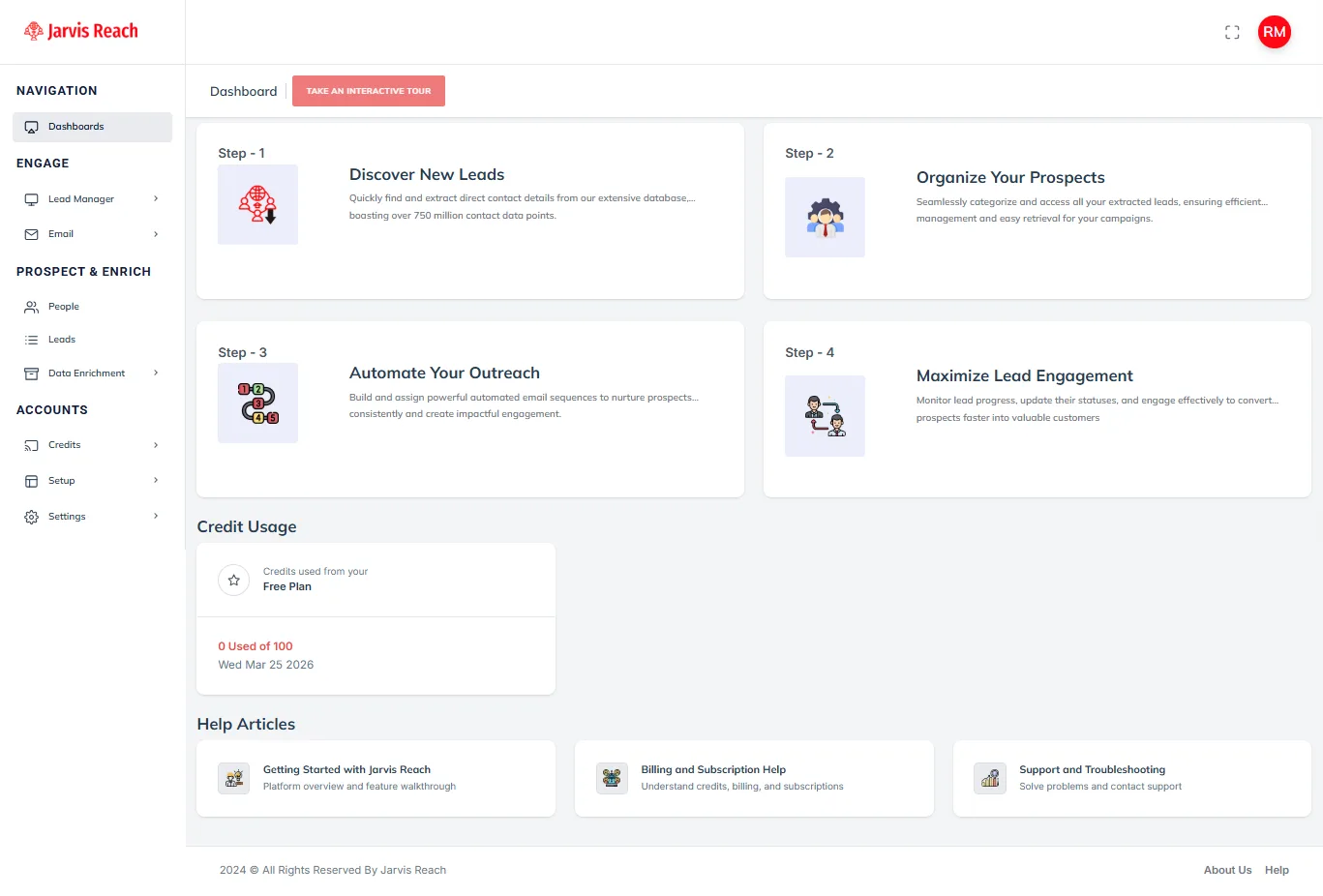
Jarvis Reach is more than just an email extractor it’s a full lead generation platform that lets you pull company email addresses and enrich contact data from LinkedIn-like environments. It works as a browser extension so you can extract email address details and other contact info in one click.
Key Features
- Email and phone extraction from LinkedIn & web pages
- Lead enrichment and CRM integration
- Workflow automation and segmentation
- Data validation to prevent bad contacts
Pricing Plans
- Free tier with basic credits
- Paid plans starting around $79/month, offering a comprehensive feature set.
- Advanced plans with higher limits and team features
2. Hunter.io
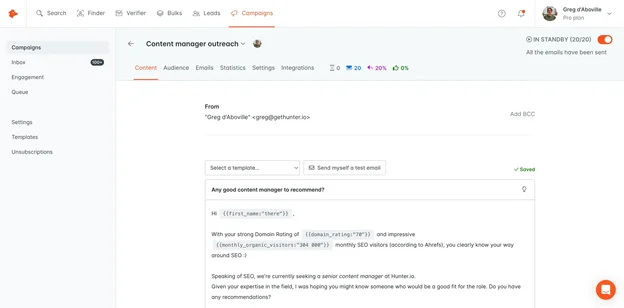
Hunter is one of the most trusted online email extractor tools out there. It lets you search for valid work or company email addresses using a domain name or individual name. Hunter also verifies those emails and gives a confidence score for deliverability.
Key Features
- Domain search for bulk email discovery
- Email address verifier and confidence scores
- Chrome extension for quick lookups
- Export results for outreach campaigns
Pricing Plans
- Free plan with limited searches per month
- Starter: around $34/month
- Higher tiers for teams with larger lookup needs
3. Snov.io
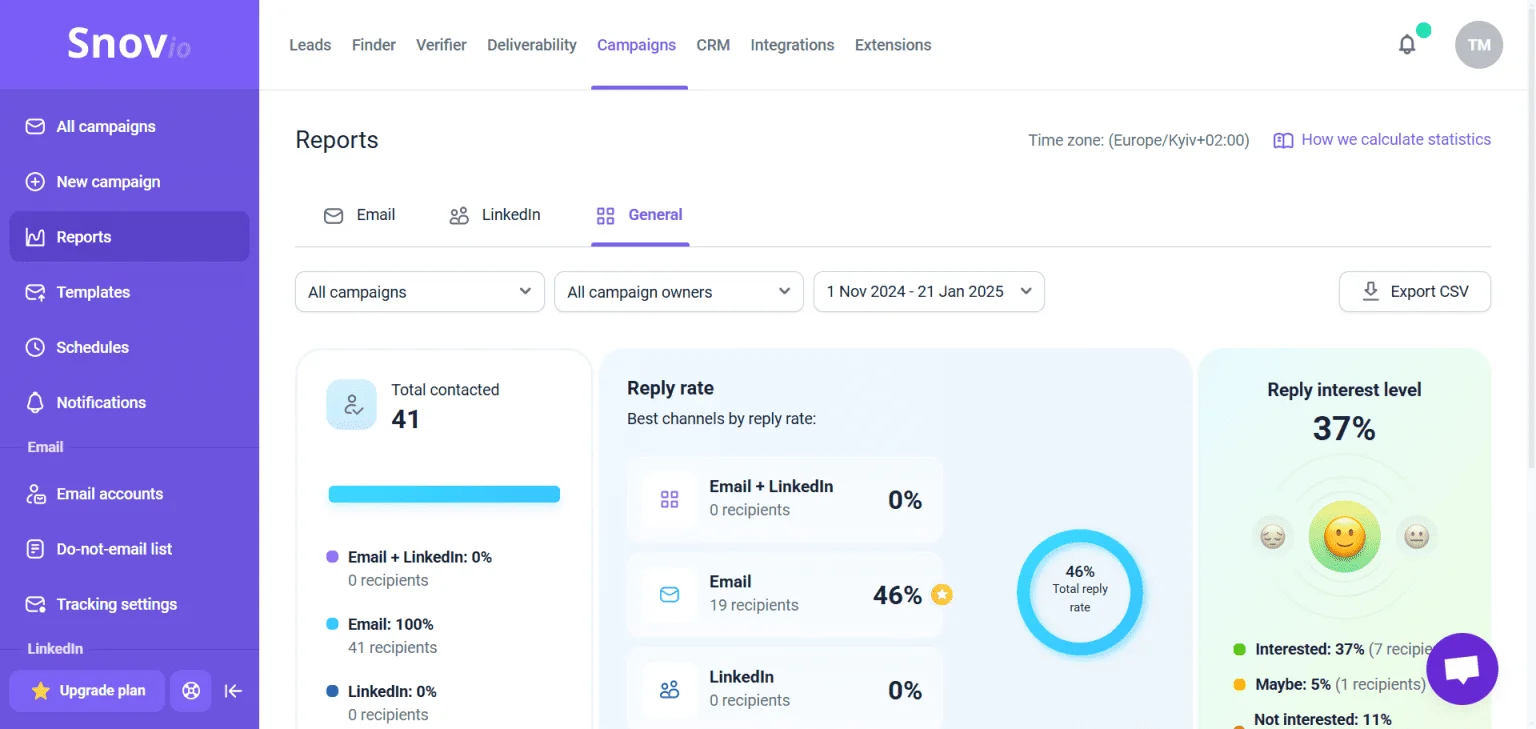
Snov.io stands out as a flexible email extractor tool that not only finds emails but also helps with email campaigns. You can upload lists, extract emails in bulk, or use its extensions while browsing.
Key Features
- Bulk email and domain search
- Chrome extension for instant extraction
- Built-in email verification
- Outreach automation features
Pricing Plans
- Free plan with credits each month
- Paid plans starting around $30/month
4. UpLead
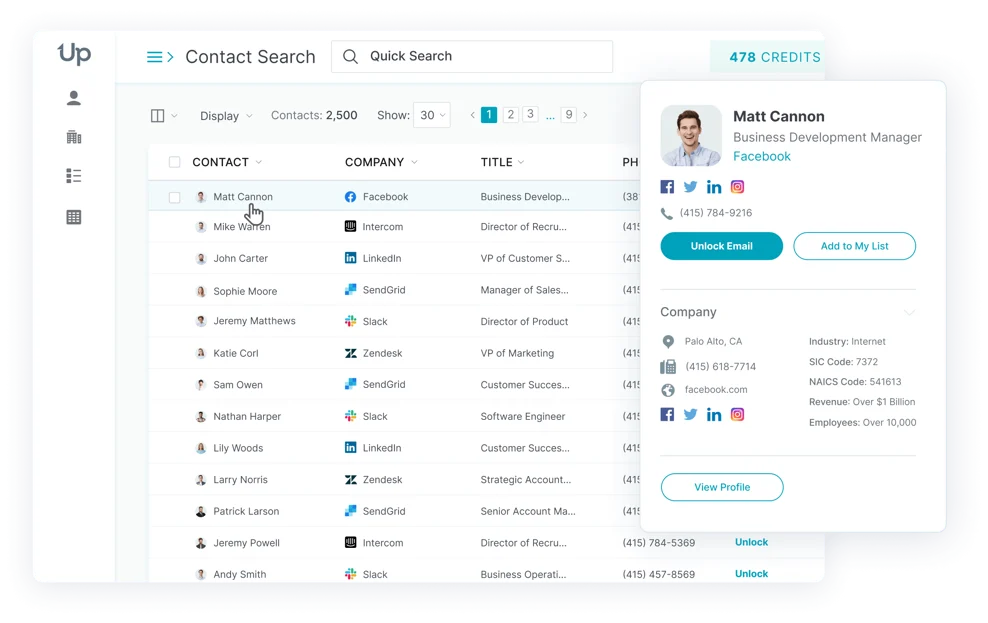
UpLead focuses on highly accurate B2B email extraction. With access to a large database of business profiles, it helps you pull accurate company email addresses and validate them on the spot.
Key Features
- 95% guaranteed data accuracy
- Real-time verification to reduce bounce rates
- Advanced filters to target specific industries or locations
- Chrome extension and web app options
Pricing Plans
- Free trial with limited credits
- Paid plans starting around $99/month
5. Skrapp.io
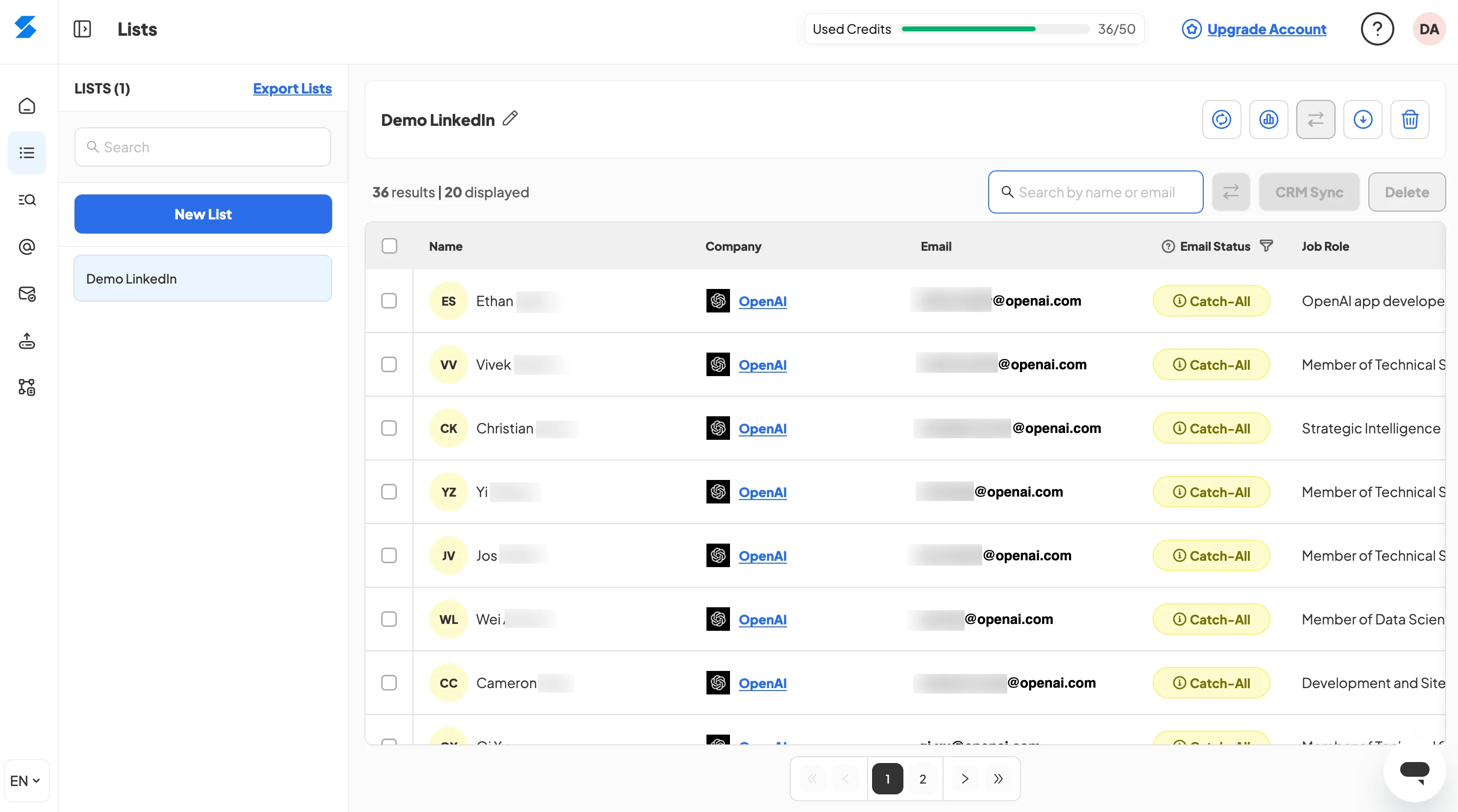
Skrapp.io combines email extractor extension features with a powerful lead search engine. It’s ideal for finding business email addresses from LinkedIn profiles and company websites with a clean interface and good verification.
Key Features
- Extract verified business emails from LinkedIn
- Chrome extension for quick lookups
- Bulk export and CRM integration
- Verification with status tags
Pricing Plans
- Free plan with monthly credits
- Starter plans around $18/month and up
6. Clearout.io
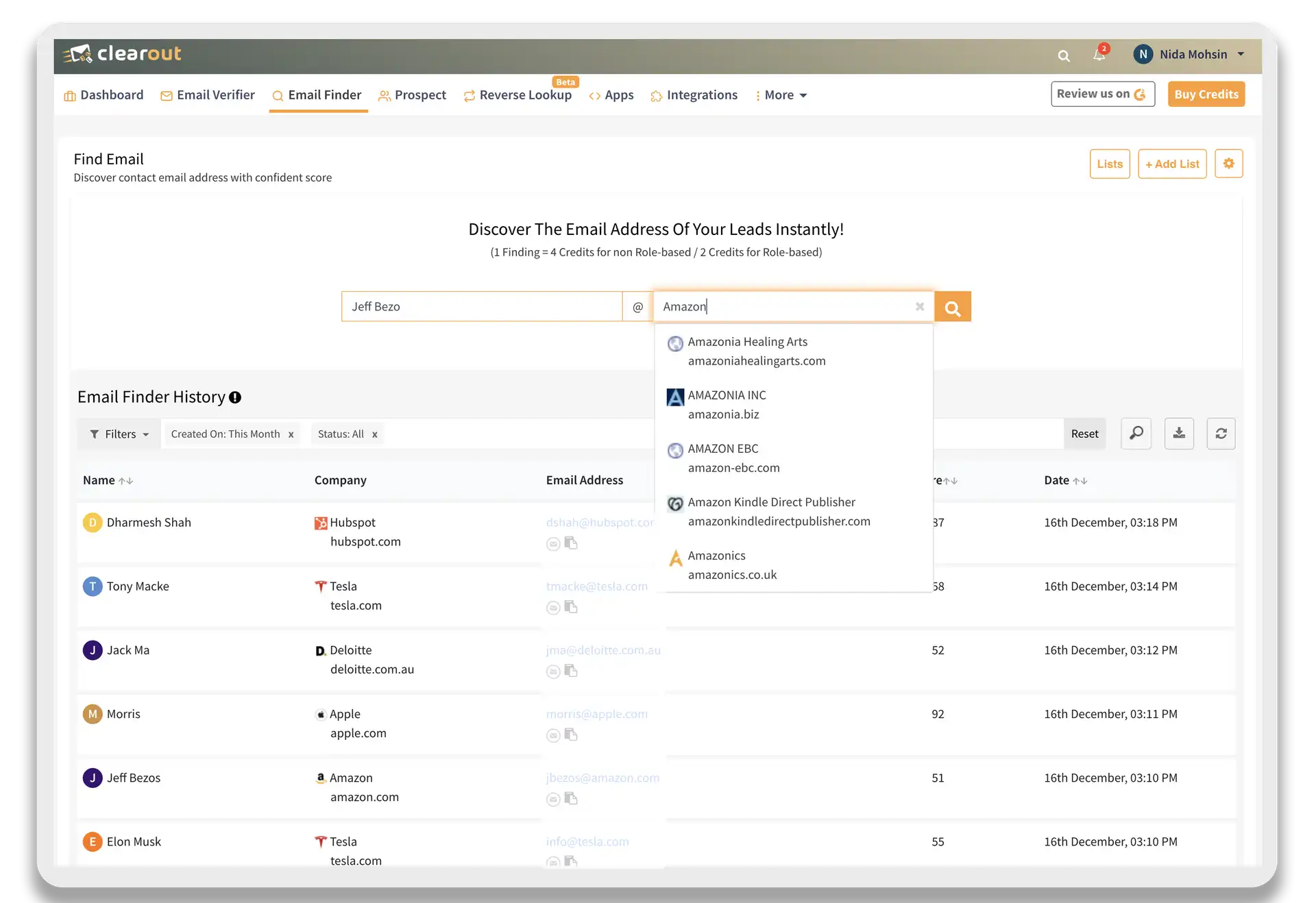
Clearout blends email extraction with solid validation to make sure the email addresses you collect are valid and ready for outreach. It’s flexible enough for both small list lookups and bulk campaigns.
Key Features
- Bulk email extraction and verification
- Confidence scoring to flag risky emails
- Chrome extension for fast use
- Integrations with other workflows
Pricing Plans
- Free credits initially
- Pay-as-you-go and monthly plans starts from $14
Key Features to Look for in an Email Extractor
When choosing the best email extractor, keep an eye out for these core features:
- Verification Capabilities
Good tools check emails in real time so you don’t waste time on invalid addresses.
- Bulk Extraction
If you need a lot of email addresses fast, make sure your tool can handle large lists or domain sweeps.
- Chrome Extension
A browser extension makes it easy to extract emails while you browse LinkedIn or company sites.
- CRM Integration
Exporting and syncing with CRM platforms saves tons of manual work.
- Accuracy & Coverage
Larger databases and smarter verification mean better success in finding the right business email address.
How Email Extraction Tools Work
Using an email address extractor is generally easier than doing it manually. Here’s the typical step-by-step process most tools follow:
- Input Source – Start with a domain name, LinkedIn profile, company list, or keyword search.
- Scan & Lookup – The tool scrapes web pages, directories, or its own database for relevant contacts.
- Extract Emails – It pulls potential email addresses and contact info from the scan results.
- Verify Deliverability – Many tools check that the email address actually exists and is safe to use.
- Export for Outreach – Once collected, you can download lists or sync with CRMs for outreach campaigns.
Every tool might call these steps slightly differently, but this is the core workflow behind most online email extractor functions.
Conclusion
Email extraction doesn’t have to be slow or stressful. With the right email extractor tools, you can quickly build targeted lists of company email address and work email address for leads, clients, or networking without hours of manual searching.
Whether you need an email extractor extension for quick access, a free email extractor for testing, or a complete email extractor platform with all the features to automate your entire workflow, there is something available for you to use. Stop wasting time searching for business email addresses and start downloading them now! With one of the email extractors above that fits your requirements, you can quickly and easily access these email addresses.
FAQs
Q: What’s the difference between an email extractor and a Gmail extractor?
A general email extractor finds professional or business emails from websites or domains, while a gmail extractor focuses on pulling Gmail-based addresses. Most tools support both, depending on the data sources.
Q: Are free email extractors reliable?
Free plans are great for testing and light use, but they often have limits on how many emails you can extract or verify per month.
Q: Can I use these tools for cold outreach?
Yes, these tools help collect valid email addresses you can use in outreach campaigns, but always follow best practices and legal guidelines for email marketing.
Q: Do these tools work on LinkedIn?
Many include email extractor extension features that extract contact details from LinkedIn profiles and company pages.